
Turn Photos Into Pixel Art
Drop your image here
or click to browse files
Create Your Main Character
Is it you? Your cat? Both? You decide!
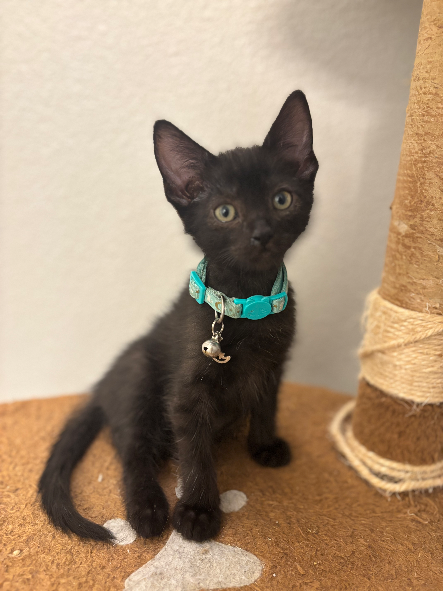
Original
Pixel Art
Customize Pixel Size
Control the detail level with adjustable pixel dimensions
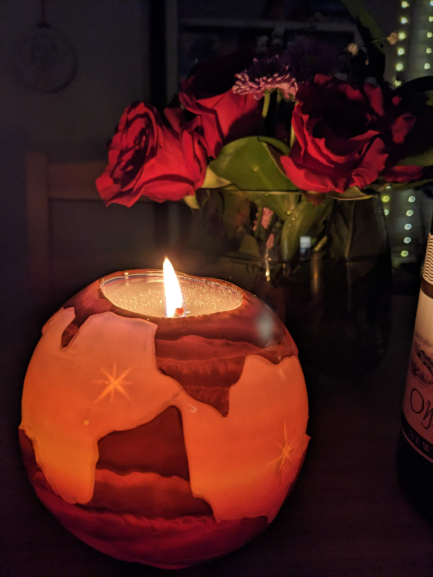
Original

Pixelization Factor 6
Limit Colors for Retro Style
Create retro game aesthetics with color palette controls
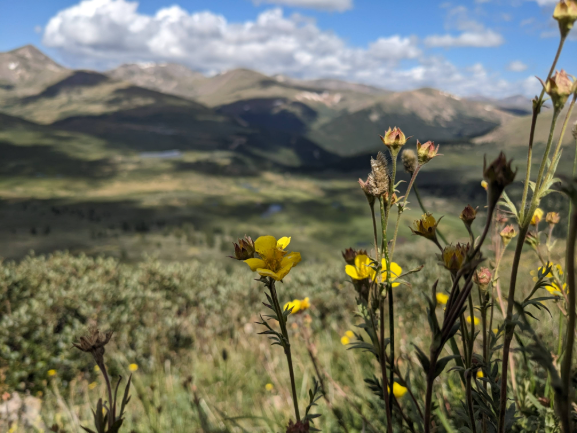
Original
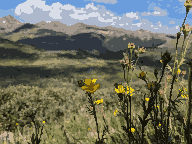
Limit Colors to 32
What Makes Pixel Projection Different?
Pixel Projection uses a novel algorithm to convert your images into pixel art. It detects edges of objects in your images and aligns pixel edges to them so that you get clean contrasting color transitions.
It performs advanced processing within your browser so that you can be confident your images are kept private while still getting the best results. To make this even better, Pixel Projection works entirely with properties of your uploaded image; it does not learn from other images like many AI-based solutions do.
This ensures that you retain full ownership of the art that you create. If you own the image that you upload, you own the output from our tool, and you are welcome to use it for personal or commercial purposes.
Add this to the fact that Pixel Projection is free, we think that you will find the quality and features hard to beat.
Ready to Create Your Own?
Transform any image into beautiful pixel art in seconds